CASE STUDY / PROFESSIONAL SERVICES
All case studiesFrom Manual Company Document Checks to Review-Ready Reports
How a client onboarding platform uses AI-powered document analysis, business registry lookups and automated reminders to prepare company documents for faster, more structured review.
01THE CHALLENGE
Every new customer document required a series of repetitive checks.
Businesses that collect company registration documents during onboarding need to establish whether the submitted information meets their requirements. A document may look complete at first glance but contain an outdated issue date, inconsistent company name or registration number that requires additional checking. For the team handling these documents, each new submission created a similar set of verification tasks.
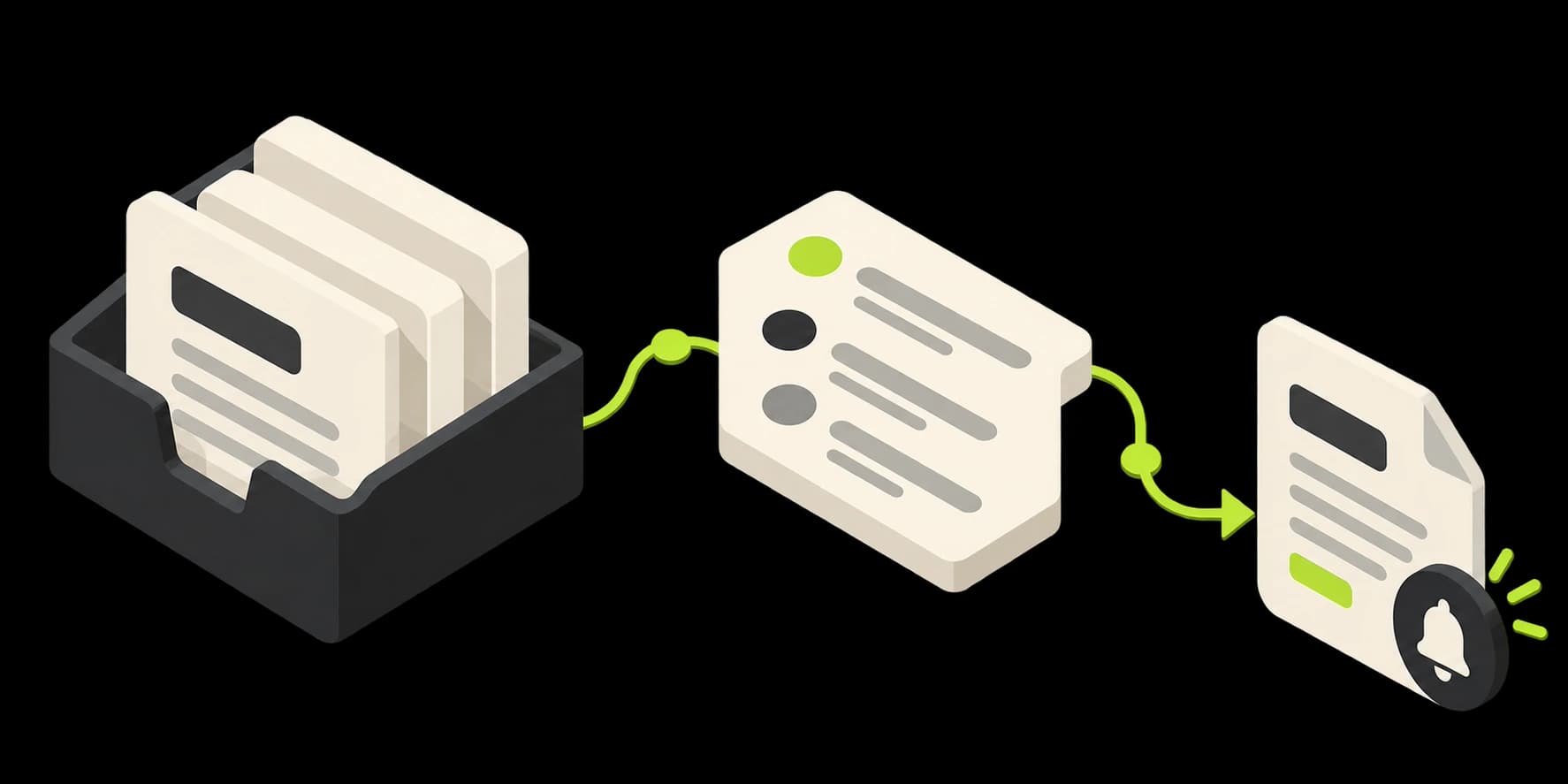
Employees had to inspect every document manually. The review process began by opening the uploaded PDF and identifying what had been submitted. Employees then located the company details, compared them with the customer record and inspected the document for the expected format and visual elements. Although these checks were repeatable, they demanded attention for every submission. The team needed a more structured way to prepare the information before making an approval decision.
Company information had to be checked against separate records. Reading a registration number from a document was only one part of the process. The team also needed to determine whether the number corresponded to an existing, active business registration. That involved consulting information outside the uploaded PDF. Company names also needed to be compared with the customer's existing profile, adding another manual step to the onboarding workflow.
Outdated documents created follow-up work. Some submitted company extracts were acceptable only within a defined recency period. An older document could require a replacement before the customer's onboarding requirements were satisfied. Without a centralized way to monitor document dates and statuses, employees had to maintain their own follow-up process. Tracking which customers still needed current documents added administrative work beyond the initial review.
Document collection and approval lacked one connected workflow. Employees needed to know which customers had submitted documents, which had been reviewed and which required attention. They also needed a straightforward way for customers to upload the correct paperwork. The opportunity was to connect document collection, automated preliminary checks, staff approval and ongoing expiry management in one place.
02WHAT WE BUILT
A document validation platform connecting customer uploads, automated checks and employee review.
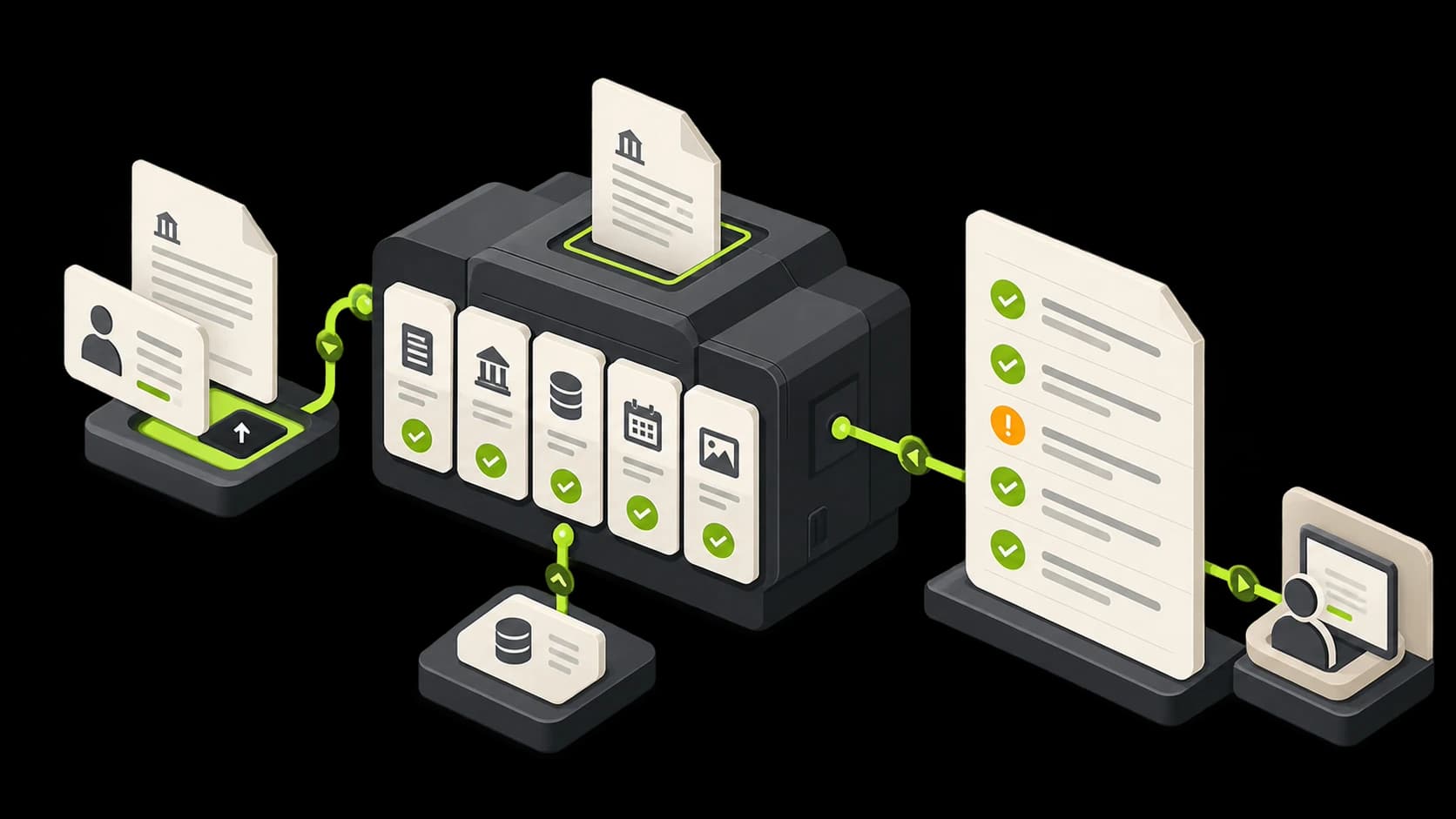
We implemented a custom platform that processes supported company documents and prepares structured validation reports. The system combines AI-assisted PDF interpretation with customer record comparisons, external business registry checks, document-status management and automated reminders.
Customer-linked document submission: Customers can upload required documents using an invitation link without creating a separate platform account. Each submitted file is associated with the relevant customer profile. This gives the business a more direct way to collect documents and connect them to the appropriate onboarding record. Employees can see which documents have been received and which are still awaiting review.
AI-powered document recognition and information extraction: The platform analyzes submitted PDFs and identifies the information needed for the configured checks. AI-assisted document recognition determines whether the uploaded file appears to match the expected company-document category. Document features, including relevant header and footer patterns, contribute to this assessment. The system also extracts company details, registration references and document dates for further evaluation.
Five defined document checks: We implemented a validation sequence covering five distinct questions. Document type asks whether the submitted PDF appears to match the expected company registry document, based on its recognized content and layout indicators. Company name asks whether the name extracted from the document corresponds to the company associated with the customer profile. Registration number asks whether the extracted business registration number can be confirmed through the configured official business registry interface, including the status information returned by that registry. Document date asks whether the extract is recent enough under the organization's configured document acceptance policy. Visual document markers asks whether expected visual elements, such as an official-style stamp or watermark, are detectable in the uploaded document. These checks produce evidence for review. A positive result does not independently guarantee that the entire document is authentic or legally sufficient.
Business registry integration and structured review reports: The platform connects to an external business registration service for the registration-number check. This allows the system to compare document information with available official registry records rather than relying solely on the text printed in the PDF. The results of the configured checks are organized into a report. Employees can review the findings, examine exceptions and approve the document where appropriate. The platform supports the team's verification process without replacing authorized approval decisions.
Customer document tracking and automatic reminders: Each customer profile provides visibility into the documents associated with that customer and their review status. The system tracks submitted, approved and expiring documents. Automatic reminders help the team follow up when an accepted document is approaching the end of its relevant validity or recency period. This connects initial document collection with ongoing document management.
03HOW IT WORKS
From a customer-uploaded PDF to a structured validation report and tracked document status.
The workflow combines a document submission process, several defined checks and employee approval. The checks are evaluated according to the available document information and connected business records.
- 01
Collect and associate the document
A customer receives an invitation link for uploading the required documentation, or an employee submits a document through the platform. The uploaded PDF is associated with the relevant customer profile. This establishes the business context needed for the subsequent comparison.
- 02
Recognize the document and extract relevant information
The document-processing component reads the uploaded file. It identifies the expected document category and extracts relevant information, including company name, business registration number and document date. Visual layout features and recognizable document markers are also examined as part of the processing.
- 03
Run the five validation checks
The platform evaluates the extracted information against the configured requirements. It assesses document type, company-name consistency, business registration details, document recency and expected visual markers. Where supported, the registration number is checked against the external business registry. The findings are brought together for the next stage of review.
- 04
Present the report for employee approval
The platform generates a structured report showing the results of the checks. Employees can review the findings and identify mismatches, expired documents or results requiring closer attention. The responsible team member then approves the document or handles the issue through the established review process. Automated checks support the decision; they do not independently establish that a document is genuine.
- 05
Track status and manage expiry reminders
Once reviewed, the document's status is reflected in the customer's profile. The platform retains the relevant document dates and monitors upcoming expiry or recency deadlines. Automatic reminders support follow-up when updated documentation is required. This allows document management to continue beyond the initial upload and approval.
04THE IMPACT
Document review becomes a structured process instead of five separate manual checks.
The implemented platform brings document collection, defined validation checks, employee review and expiry tracking into one connected workflow. The following outcomes describe the capabilities established by the implementation. Specific average processing times and measured productivity improvements have not yet been confirmed for publication.
Employees begin with a consolidated validation report
Rather than manually locating every required detail in each PDF, staff can review extracted information and the results of the configured checks in one place. This creates a more consistent starting point for the approval process.
Company details can be checked against external registry information
The platform uses an official business registration interface to check the extracted registration number and available status details. This adds an independent data source to the document review process.
Mismatches and outdated documents are easier to identify
The system compares document information against customer records and configured acceptance requirements. Documents requiring further attention can be identified through the results of those checks. This helps employees concentrate review effort on the information that needs judgment or correction.
Customers have a direct way to submit documentation
Invitation-based uploads connect submitted files with the correct customer profile. Employees can monitor whether required documents have been received and reviewed through the same platform.
Document follow-up extends beyond initial onboarding
The system tracks document status and relevant dates. Automated reminders help employees follow up on records approaching expiry or falling outside configured recency requirements.
05KEY TAKEAWAYS
Connected document validation makes repeatable review preparation easier to manage.
- 01
Document AI is more useful when extraction leads to an actionable check.
Recognizing text in a PDF is only the first step. Comparing extracted information against customer records, configured rules and external business data makes the output more useful for real operations.
- 02
Automated checks should support, not replace, verification judgment.
A matching company name, valid registration number or detected watermark can provide useful information. None of those findings independently proves that a complete document is authentic or legally sufficient. Final approval should remain with the responsible team.
- 03
Document collection and document follow-up belong in the same process.
A business does not stop needing customer documentation after the first approval. Tracking document dates, current status and renewal reminders helps keep the follow-up workflow connected to the original customer record.
- 04
Automate repeatable review preparation before complex decisions.
Teams can spend substantial time gathering and comparing the same categories of information. A structured validation report helps employees begin their review with the relevant findings already organized.
06NEXT STEP
Is your team still opening every customer document to repeat the same checks?
If your business handles company registrations, onboarding documents or recurring verification requirements, there may be an opportunity to automate information extraction, registry lookups and document tracking while keeping final decisions in human hands.
At 99xAutomation, we design and implement AI-powered operational systems that connect document processing, business information and existing workflows into a more dependable review process.